Electricity Tips | 5 min read
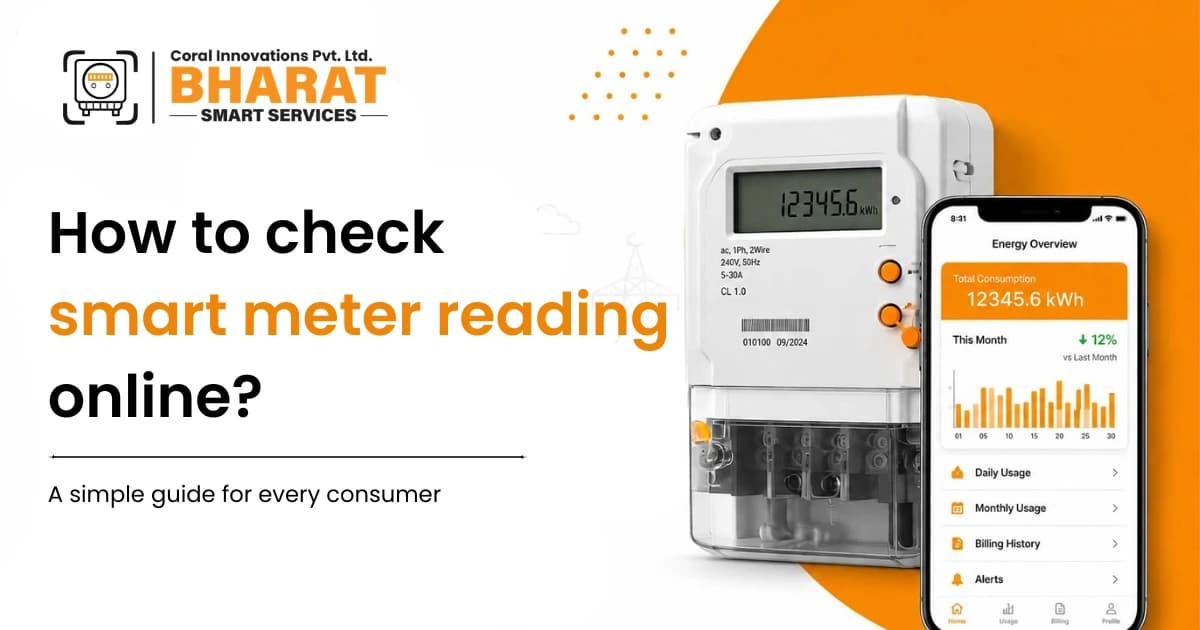
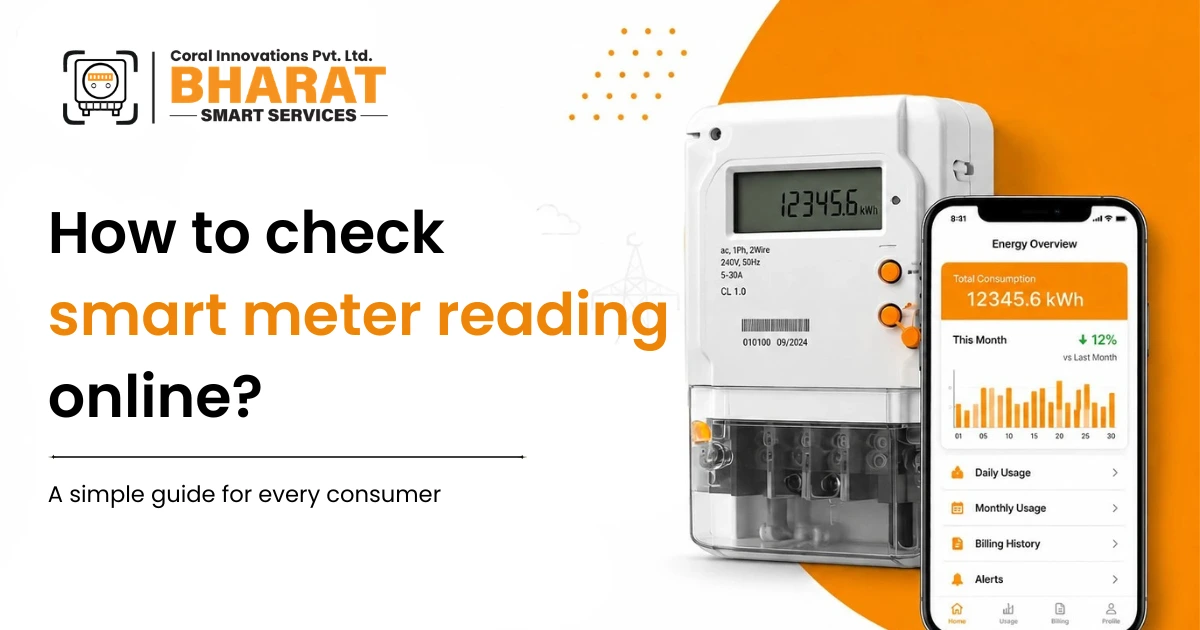
Have you recently got a smart meter installed and are wondering how to check smart meter reading online?
You are not alone. Many electricity consumers want to know how much electricity they are using, whether their daily consumption is increasing, and if there is a way to track it from their mobile phone.
The good news is that smart meters are designed for better energy management. But there is one thing every consumer should know.
You can check smart meter reading online only if your DISCOM provides access to that data.
Let's understand how it works and what you can do if online data is not available.
What is a Smart Meter?
A smart meter is a digital electricity meter that automatically records your electricity consumption. Unlike old meters that require manual readings, smart meters send data directly to the electricity department.
They help utilities with accurate billing and reduce the chances of manual reading errors. But for consumers, the biggest question is still the same.
How to check smart meter reading online?
How to Check Smart Meter Reading Online
If your electricity distribution company (DISCOM) has enabled consumer access, you can usually follow these steps.
Visit Your DISCOM Website or Mobile App
Most DISCOMs provide an online portal or mobile application where consumers can log in using their:
- Consumer Number
- Service Number
- Registered Mobile Number
After logging in, you may be able to see:
- Current meter reading
- Electricity consumption history
- Bill details
- Prepaid balance (if applicable)
However, these features depend entirely on your local electricity utility.
Can Everyone Check Smart Meter Reading Online?
The simple answer is No.
Even if you have a smart meter installed, you can view your smart meter data only when your DISCOM gives access to consumers.
In many places, smart meters are already sending data to the electricity department — but that information may not yet be available for customers to view online.
Good to know:
If you cannot find your smart meter details online, it does not necessarily mean there is a problem with your meter. It may simply mean that your DISCOM has not enabled consumer access yet.
Is Seeing Total Electricity Consumption Enough?
For most families and businesses, the next question comes naturally.
"My electricity bill is high, but which appliance is actually consuming more power?"
A smart meter generally shows you the total electricity used. It may not tell you:
- How much electricity your AC is consuming
- Whether your geyser is increasing the bill
- Which appliance is running unnecessarily
- Where you can actually save electricity
That is where energy auditing becomes useful.
Bharat Smart Services App: A Practical Alternative
At Bharat Smart Services, we believe that people should not have to wait for utility data access to understand their electricity consumption.
Our goal is simple — help consumers know where their electricity is going and reduce unnecessary energy expenses.
Whether you are a homeowner, shop owner, office, or industry, having real-time energy information helps you make better decisions.Simply by installing bharat smart services app and taking meter reading
The app captures reading automatically and let's you know your expected usages for the month.
Bijli Auditor: Know Your Electricity Better
If you are searching for how to check smart meter reading online, chances are you also want to understand your electricity usage — not just see a number.
The Bijli Auditor from Bharat Smart Services is designed for exactly that purpose. Instead of showing only total consumption, it helps you:
✓ Monitor electricity usage in real time
✓ Track the power consumption of individual appliances
✓ Identify energy wastage
✓ Set energy targets and limits
✓ Receive alerts for unusual electricity usage
✓ Take action to reduce electricity bills
It gives you useful information to control your energy — instead of simply watching the bill every month.
Why Monitoring Electricity Consumption Matters
Most people only look at their electricity bill after it arrives. By then, the consumption has already happened.
Regular monitoring helps you:
- Reduce unnecessary electricity usage
- Find appliances that consume excess power
- Improve energy efficiency
- Avoid unexpected high electricity bills
- Build better energy-saving habits over time
Small changes made with the right information can create big savings over time.
Frequently Asked Questions
Final Thoughts
If you are searching for how to check smart meter reading online, the first step is to check whether your DISCOM offers that facility. If it does, you can access your electricity data through their official portal or app.
But if your DISCOM has not yet enabled consumer access, you do not have to stay in the dark about your electricity consumption.
With Bharat Smart Services App and the Bijli Auditor, you can move beyond just checking meter readings and start understanding your actual energy usage. Because saving electricity starts with knowing where it is being used.
Start monitoring your electricity the smart way.
Download the Bharat Smart Services app — free on Android.
Download the App →